Work management platform for teams
ProTask – Project Management Software with Time Tracking & Team Collaboration
Visual project management and time tracking for teams
Transform your team's productivity with ProTask's comprehensive work management platform. From visual project boards to detailed time tracking, everything you need to succeed in one place.
- Visual project management
- Advanced time tracking
- Team collaboration
- Optional AI assistant
-
01
Multiple project views
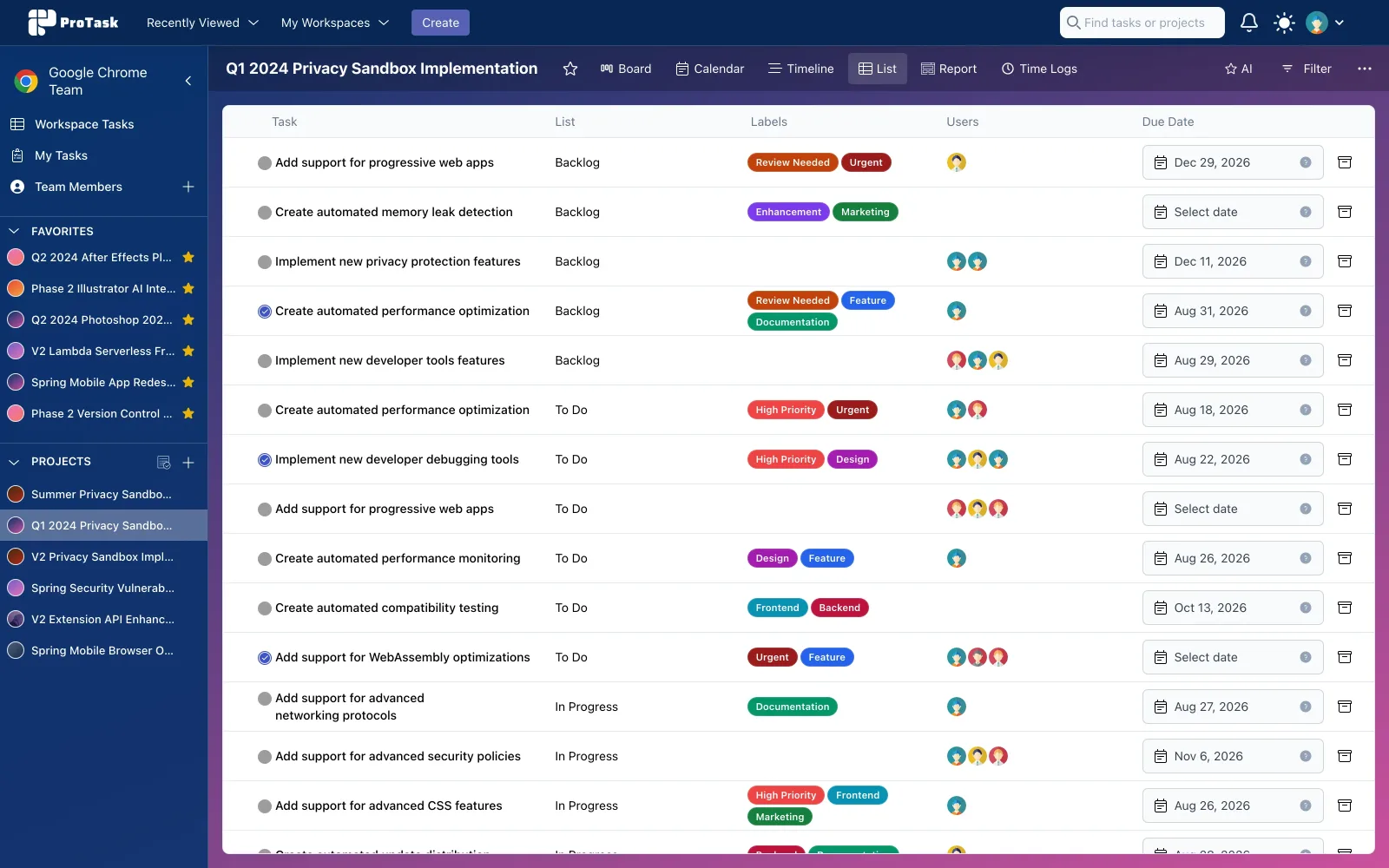
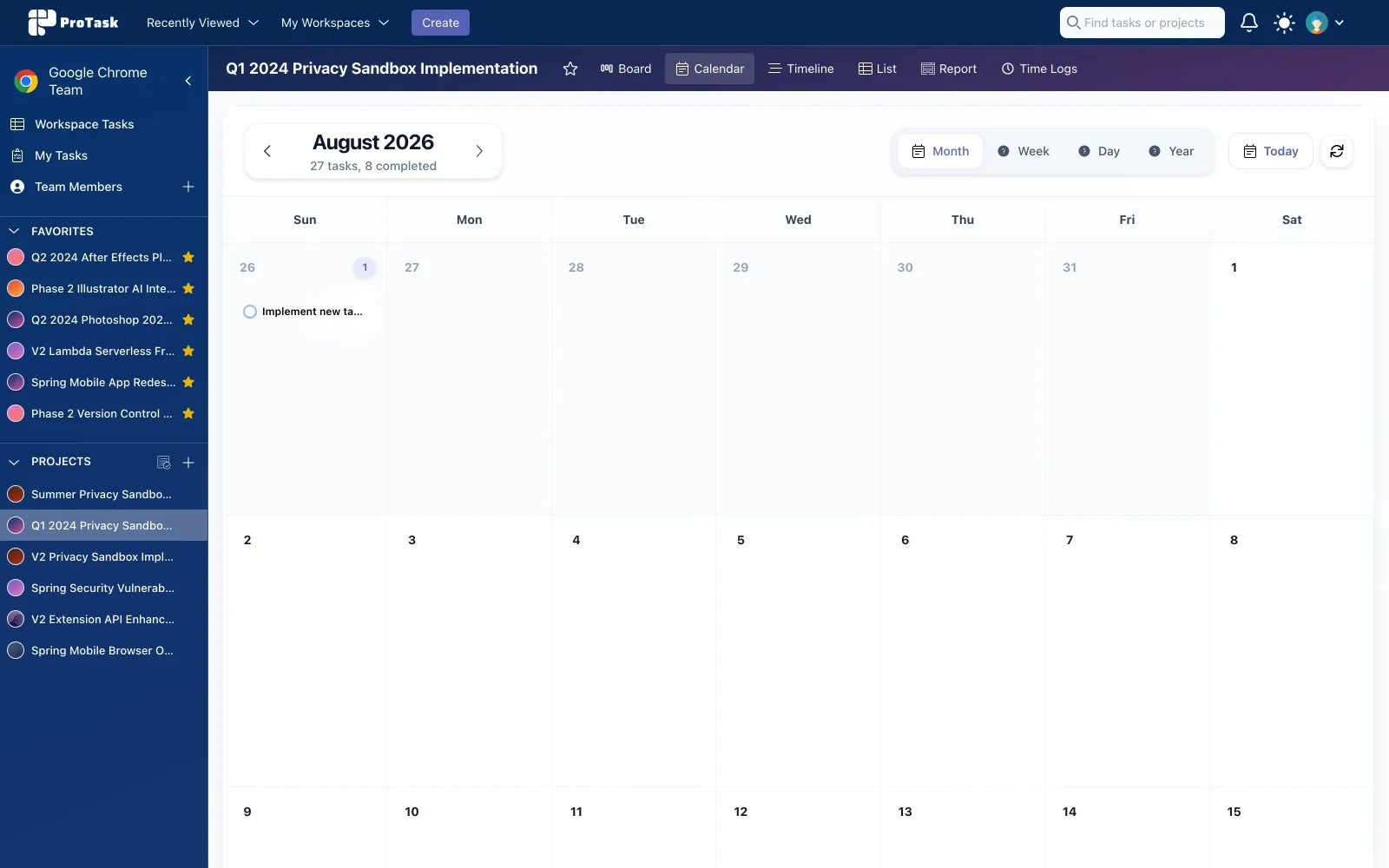
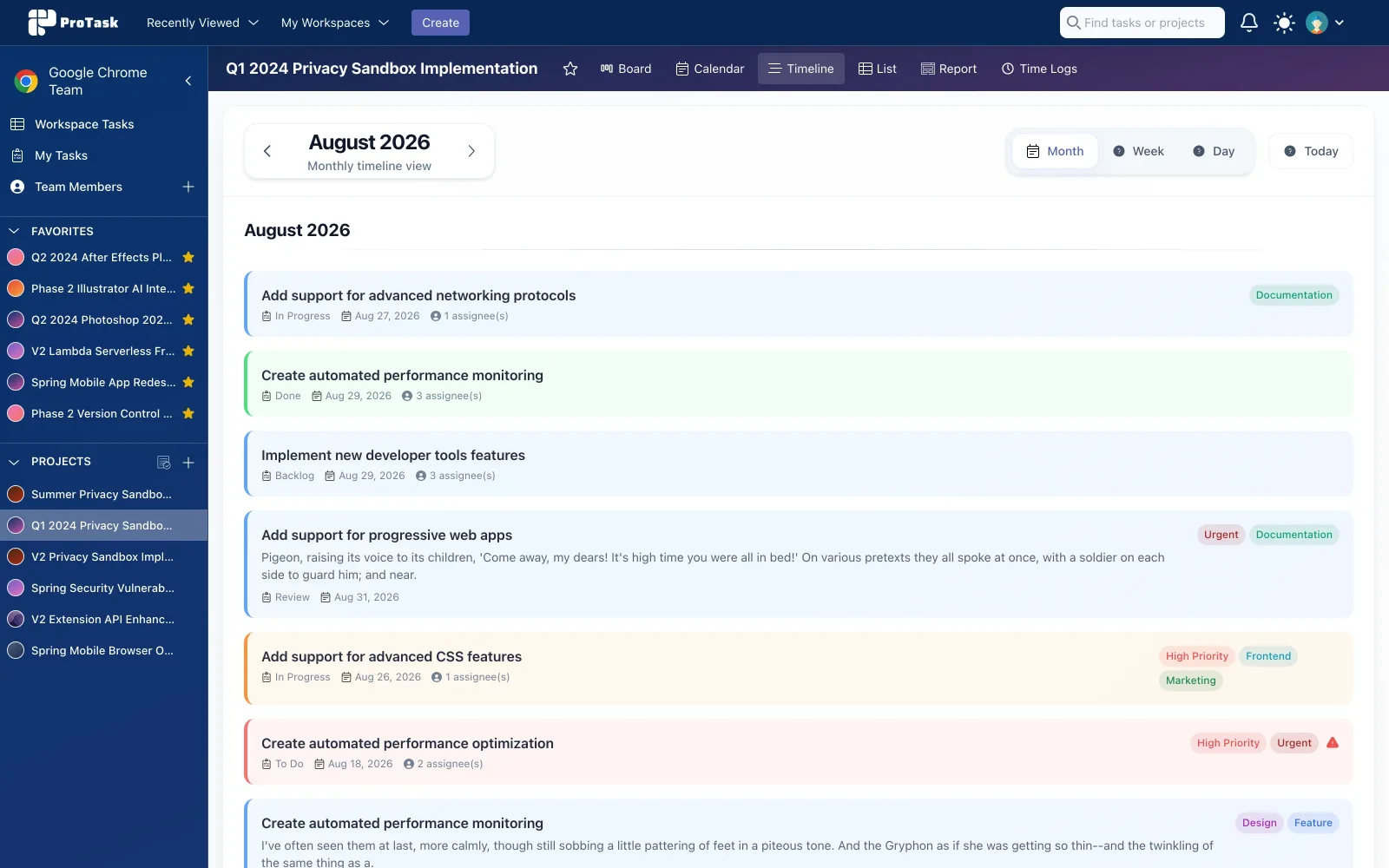
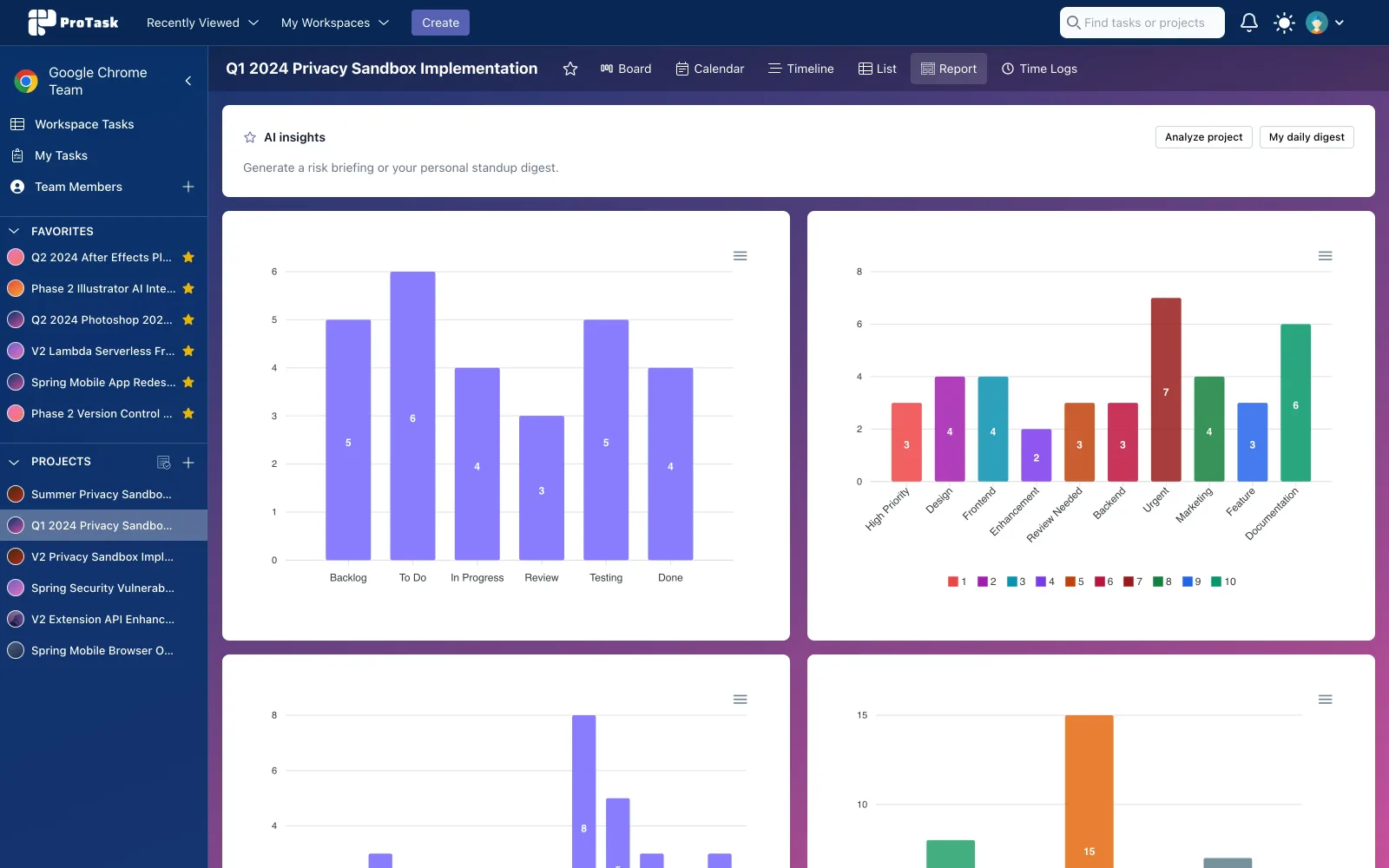
Choose Board, List, Calendar, Timeline, or Dashboard to see the work the way your team actually plans it.
-
02
Advanced time tracking
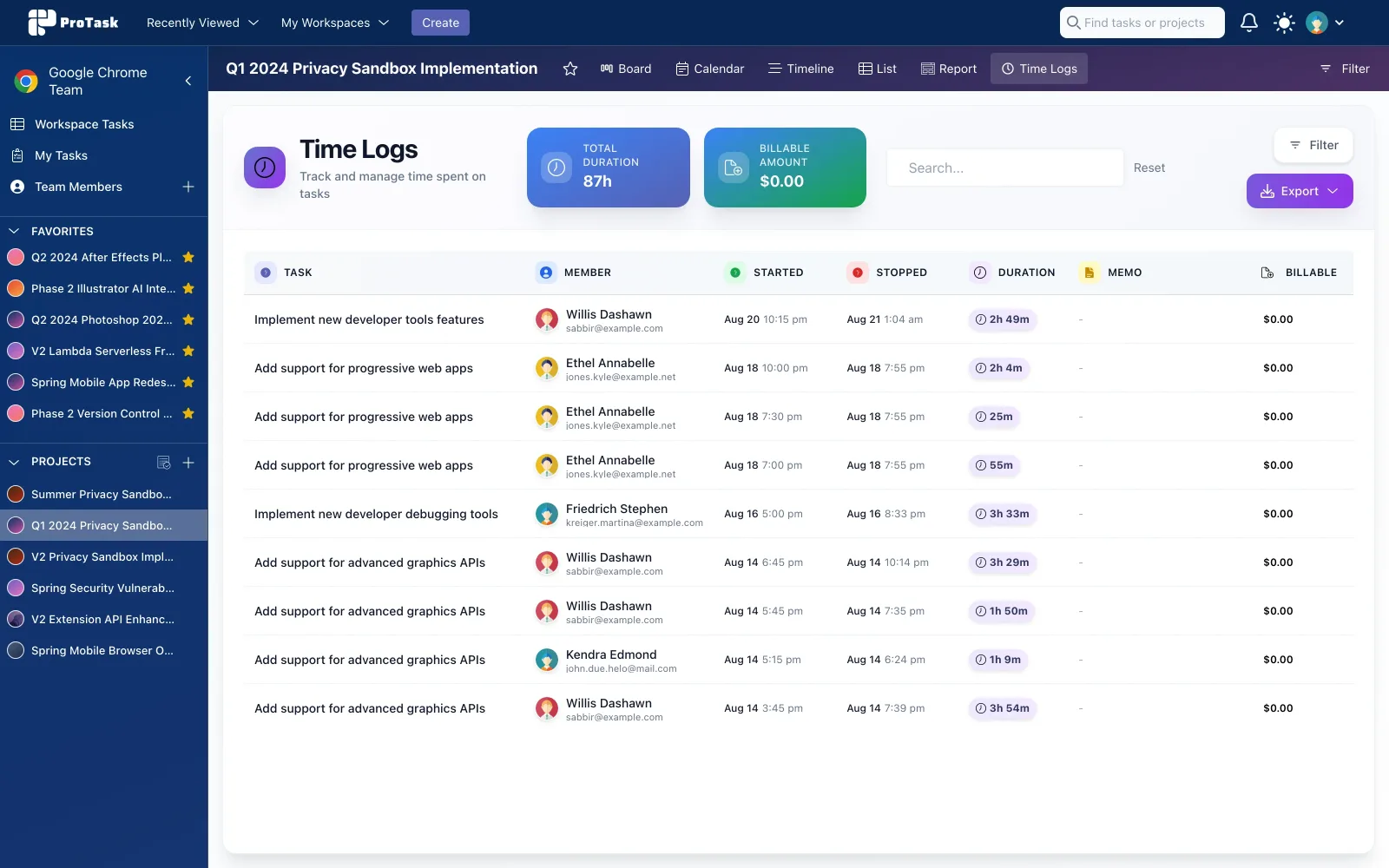
One-click timers, manual entries, and exportable logs so billing and productivity stay accurate.
-
03
Team collaboration
Workspaces, roles, notifications, and task discussions keep ownership clear without extra tools.
-
04
Full customization
Backgrounds, themes, and layouts so each workspace can match the team that uses it.
Project views
Choose the view that matches the work
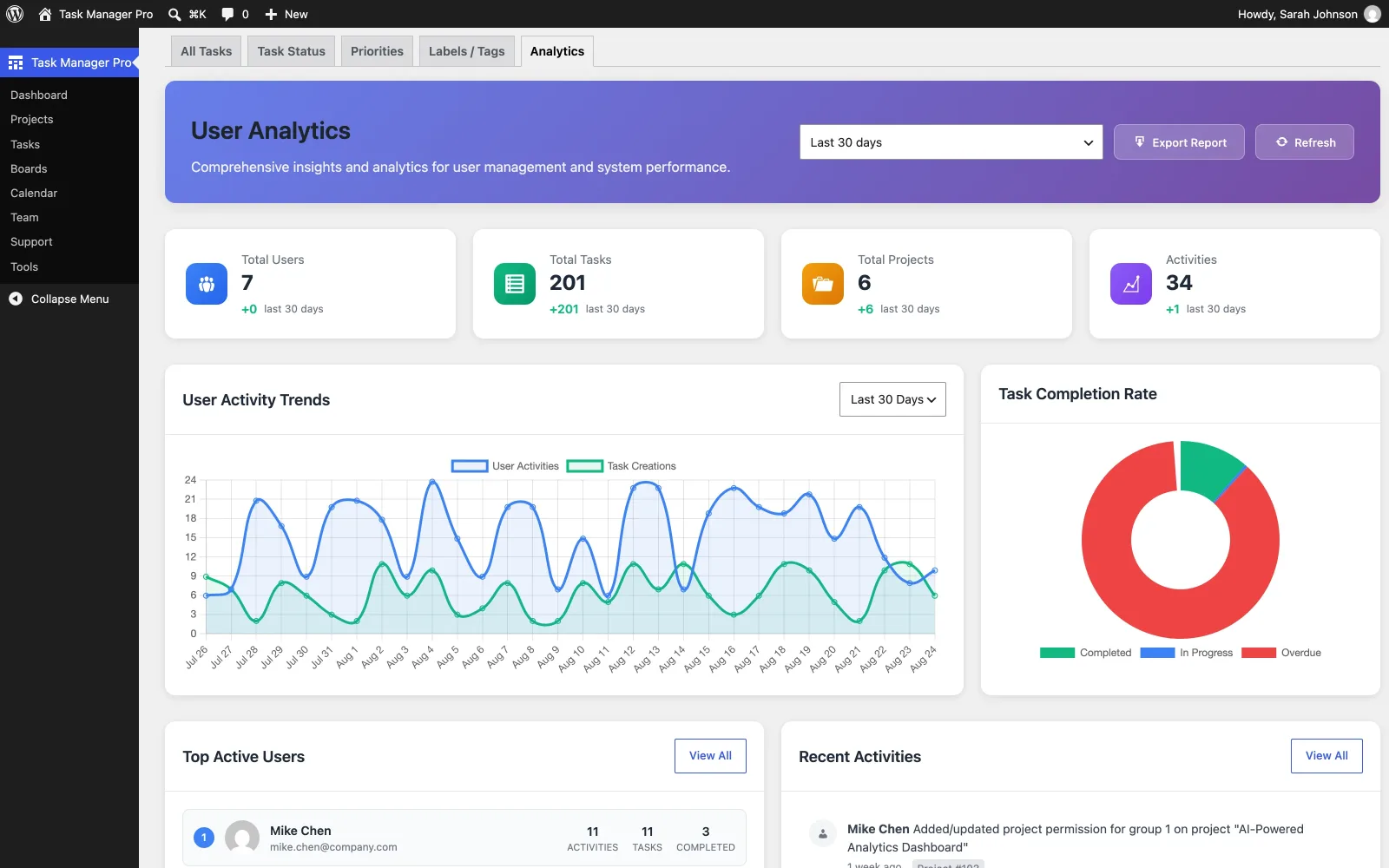
Switch between views instantly — Board, List, Calendar, Timeline, Report, and Time Logs all read the same tasks.
Most popular
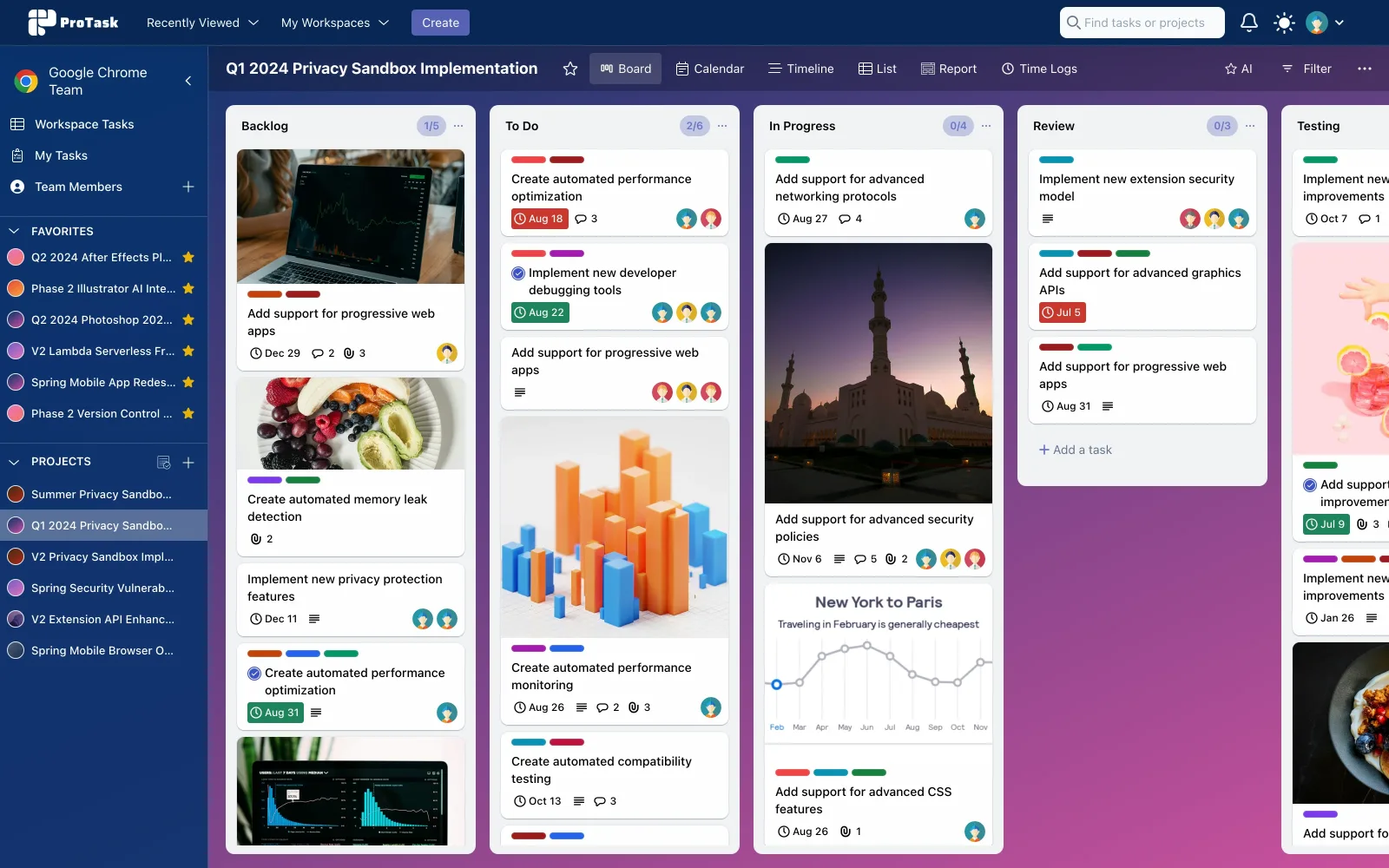
Board view
Kanban-style task management
Organize tasks in customizable columns with drag-and-drop. Built for agile teams who want workflow stages visible at a glance.
Time management
Track time like a pro
Built-in time tracking with automatic timers, manual entries, and reporting. Know where the hours go without a separate timesheet product.
-
One-click timer
Start and stop timers on a task without leaving the board.
-
Manual time entry
Add entries after the fact for billing and retrospective tracking.
-
Detailed analytics
Filter by user or task, then export the numbers you need.
-
Export & reporting
Hand time data to clients, finance, or your own reports in multiple formats.
Time tracking that keeps up with the team
-
Real-time tracking
Live timer updates with second-by-second accuracy.
-
Team tracking
Individual and team-wide insights across members.
-
Productivity analytics
Spot patterns and where time actually goes.
-
Export & billing
Export logs for client billing and accounting.
Team collaboration
Work together, keep ownership clear
Create dedicated workspaces, assign roles, and collaborate on the task itself — comments, mentions, and notifications included.
-
Workspace management
Separate workspaces for teams, clients, or projects.
-
User roles & permissions
Control who can see and change what.
-
Smart notifications
In-app, email, and Slack alerts — each event configurable, so people hear about what moves.
-
Task comments & discussions
Threads and mentions live on the task, not in a side chat.
Workspace
Configure the workspace around your team
Members, alerts, and an optional AI assistant — set once per workspace.
-
Team members
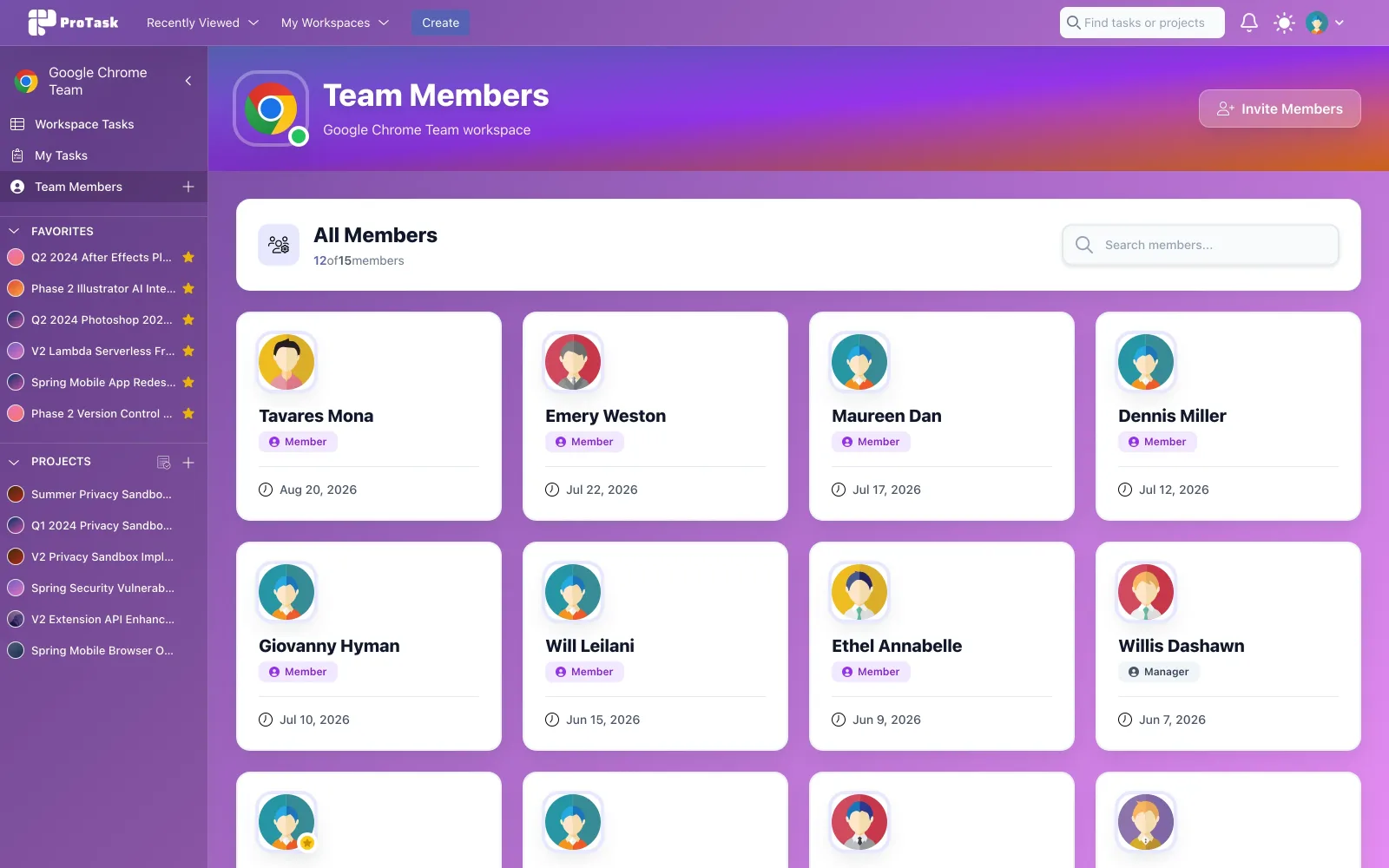
Invite members, assign manager or member roles, and see who joined when.
-
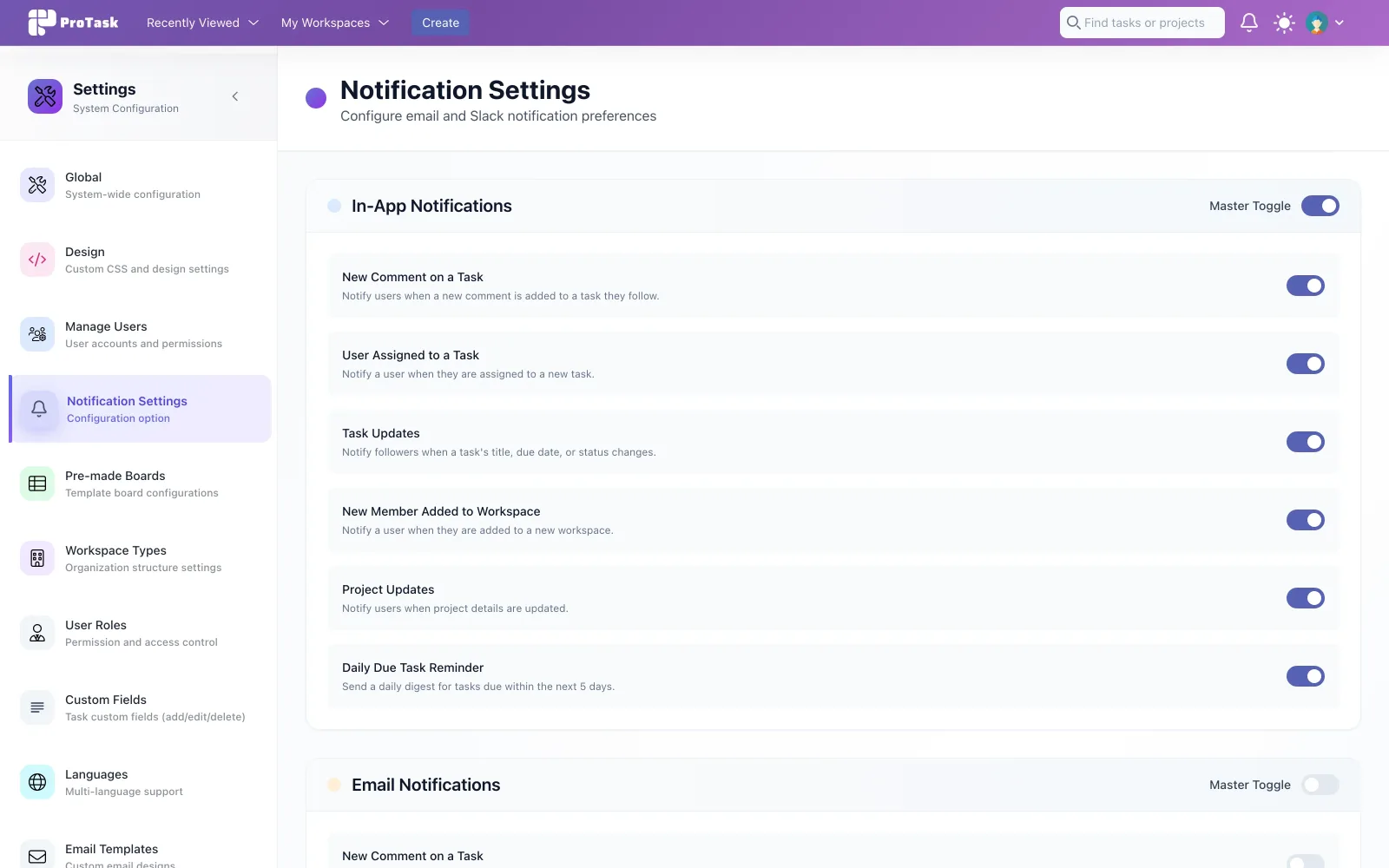
Notification settings
In-app, email, and Slack alerts — toggle each event independently, per workspace.
-
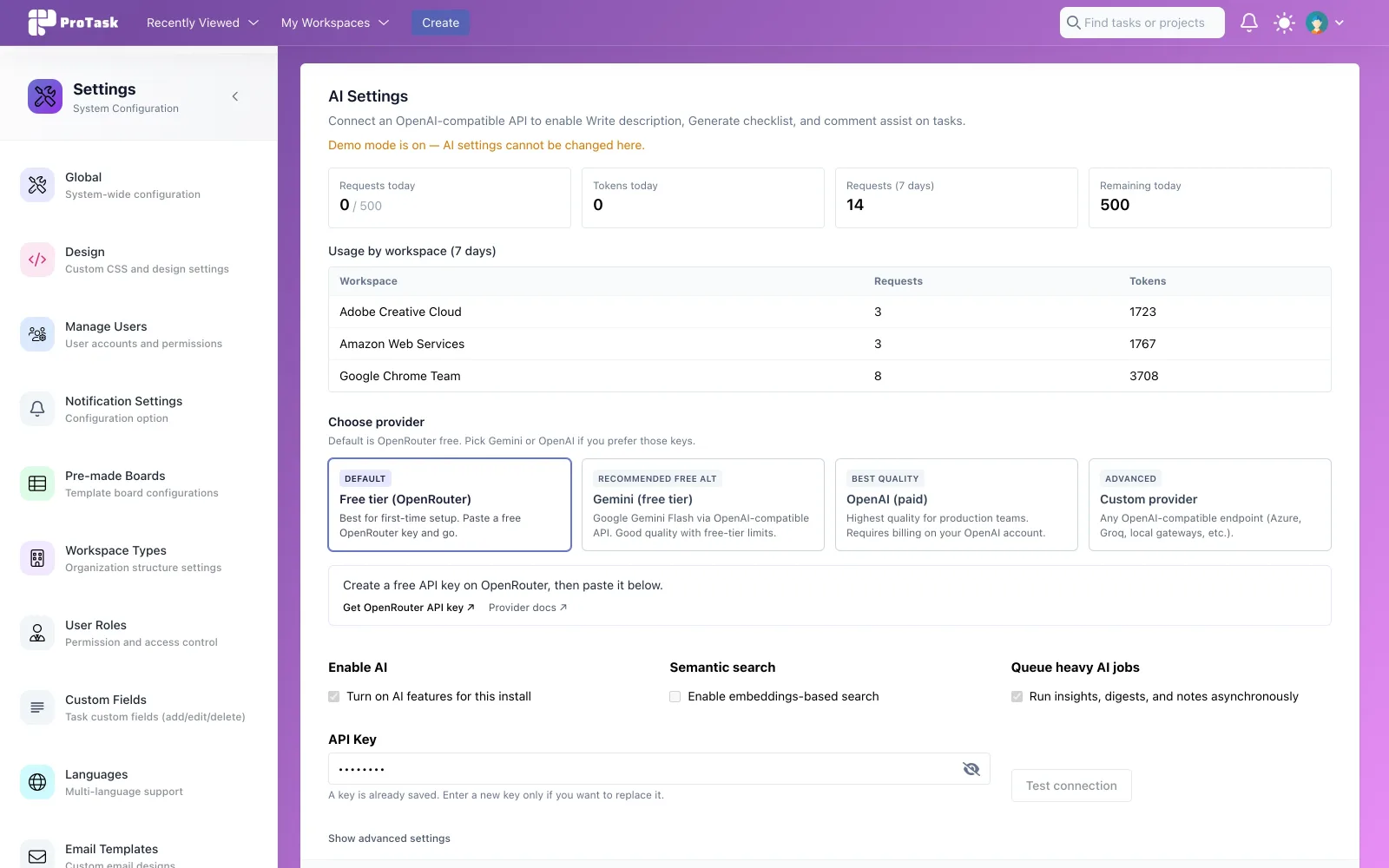
AI assistant
Optional: OpenRouter free tier, Gemini, OpenAI, or a custom endpoint. Usage and token counts tracked per workspace.
Built for teams of every size
- Team members
- 1–1000+
- Workspaces
- Unlimited
- Collaboration
- Real-time
- On your server
- Self-hosted
Also included
- Board, List, Calendar, Timeline, and Dashboard views
- One-click timers and manual time entry
- Time Logs with billable amounts and export
- Workspaces with roles and permissions
- Task comments, mentions, labels, and attachments
- Configurable in-app, email, and Slack notifications
- Optional AI assistant — OpenRouter free tier, Gemini, OpenAI, or a custom endpoint
- Exportable time and project reports
- Fully responsive interface
Requirements
Self-hosted: PHP, MySQL/MariaDB, a standard LAMP/LEMP stack.
Version history
-
AI assistant across tasks: write/improve descriptions, generate checklists, comment help Create tasks from natural language or pasted notes (boards + My Tasks) Smart search and "Ask AI to filter" on boards AI assignee suggestions, time estimates, and attachment summaries Project insights and personal daily digest on the project dashboard Rewrite email templates with AI New Settings → AI: provider presets (OpenRouter free default, Gemini free, OpenAI paid, Custom) One-click links to each provider's API key page when setting up Test connection, usage stats, and rate limits Per-workspace AI toggle and per-role "Use AI" permission Preview/accept flow on AI drafts so nothing is applied without review
Get the source
Run ProTask on your own stack
A one-time license, instant download, and six months of updates and support. Try the live demo first if you want to click through the views.
- Instant download after purchase
- Licensed source code + license key
- 6 months of updates & support